Recipe Basket
Switch from Recipe Keeper
Move every recipe from Recipe Keeper to Recipe Basket. The photos, ingredients, steps, notes, ratings, and favorites come too.
Alternative to Recipe Keeper
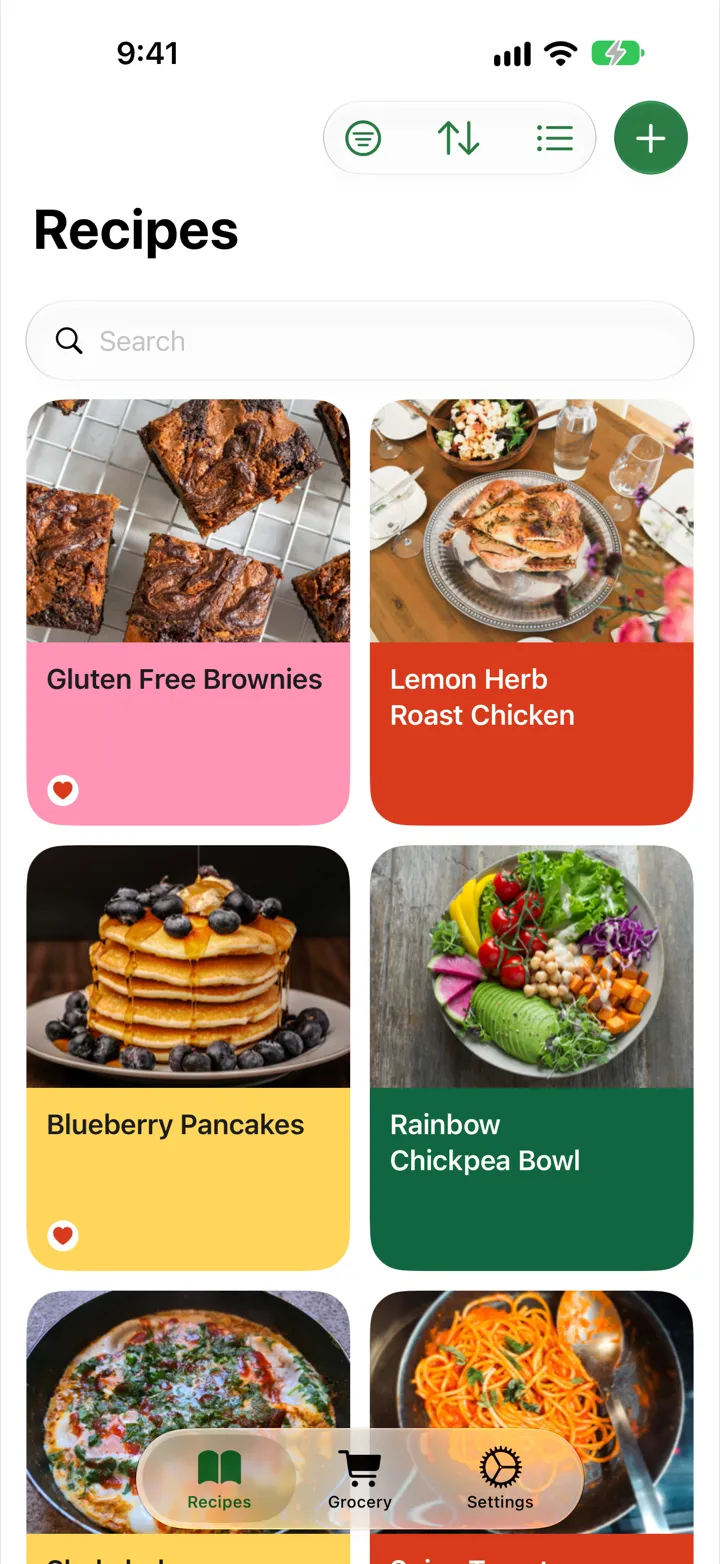
Recipe Basket is a Recipe Keeper alternative built for saving and cooking recipes on iPhone and iPad. Bring together recipes from websites, cookbook pages, and screenshots without copying every ingredient and instruction. AI Smart Import handles the typing, making it easier to keep favorite meals in one place instead of searching through saved links and photos.
One $5.99 lifetime purchase covers iPhone and iPad, with no subscription. Recipes sync through iCloud, so a recipe saved on the phone is ready to open on the iPad in the kitchen. Download Recipe Basket free and try it before paying, with no separate account or password to manage.
Export from Recipe Keeper
- Open Recipe Keeper.
- Open Settings. Find Import and Export.
- Export the recipes as a Recipe Keeper .zip file. Inside are recipes.html and the photos.
- Save the .zip to Files or iCloud Drive.
Import into Recipe Basket
- Download Recipe Basket from the App Store.
- Open Recipe Basket. Tap Settings.
- Under Data, tap Import from another app.
- Tap Choose file. Pick the export.
- Wait for the recipes to come in. You can switch to another app while it works.
- Tap Done.
What Comes Over
- Title
- Ingredients and steps
- Notes
- Prep and cook time
- Servings
- Source
- Courses, categories, and collections, as tags
- Rating
- Favorites
- Photo
Pay Once
Recipe Basket is free to download. Lifetime costs $5.99, one time. It covers every iPhone and iPad on the same Apple Account.
Synced with iCloud
Imported recipes sync to every iPhone and iPad on the same Apple Account. No separate account to sign up for.
Import Again Any Time
Recipes already in Recipe Basket are skipped. Importing the same file twice makes no copies.