Recipe Basket
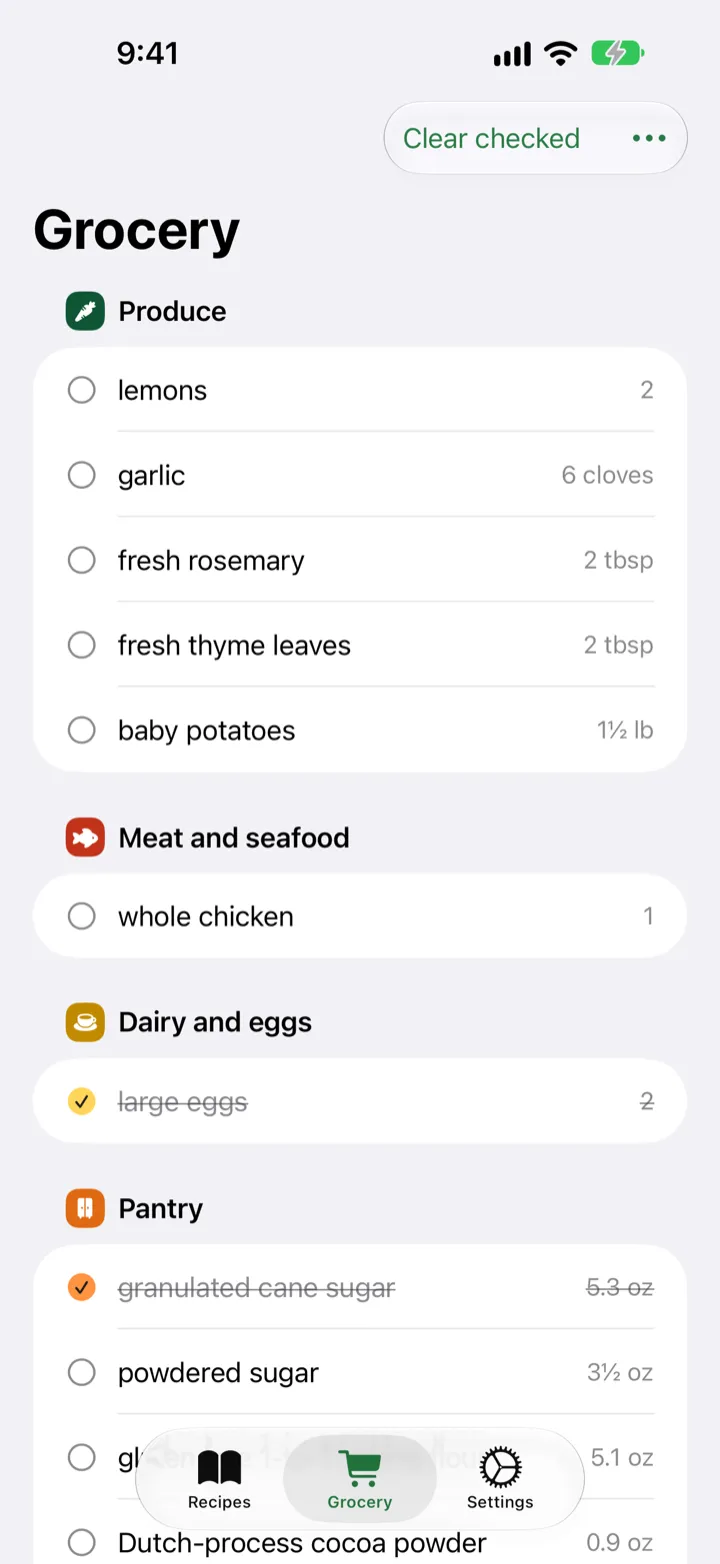
Grocery List Sorted by Aisle
Add the ingredients from a recipe to the grocery list in one tap. The list groups them by aisle.
Add a Recipe to the List
- Open a recipe.
- Tap … in the bar at the bottom.
- Tap Add to grocery list.
- All the ingredients start checked. Tap the ones you already have to uncheck them.
- Tap Add.
Shop with the List
- Open the Grocery tab.
- Items are grouped by aisle, like Produce, Dairy and eggs, and Pantry.
- Tap an item to check it off.
- Tap Clear checked to remove the items you bought.
More Than One Recipe
Add as many recipes as you like. They all go into one list.
Starting Over
Clear all empties the list.