Recipe Basket
Switch from Crouton
Move every recipe from Crouton to Recipe Basket. The photos, ingredients, steps, notes, and tags come too.
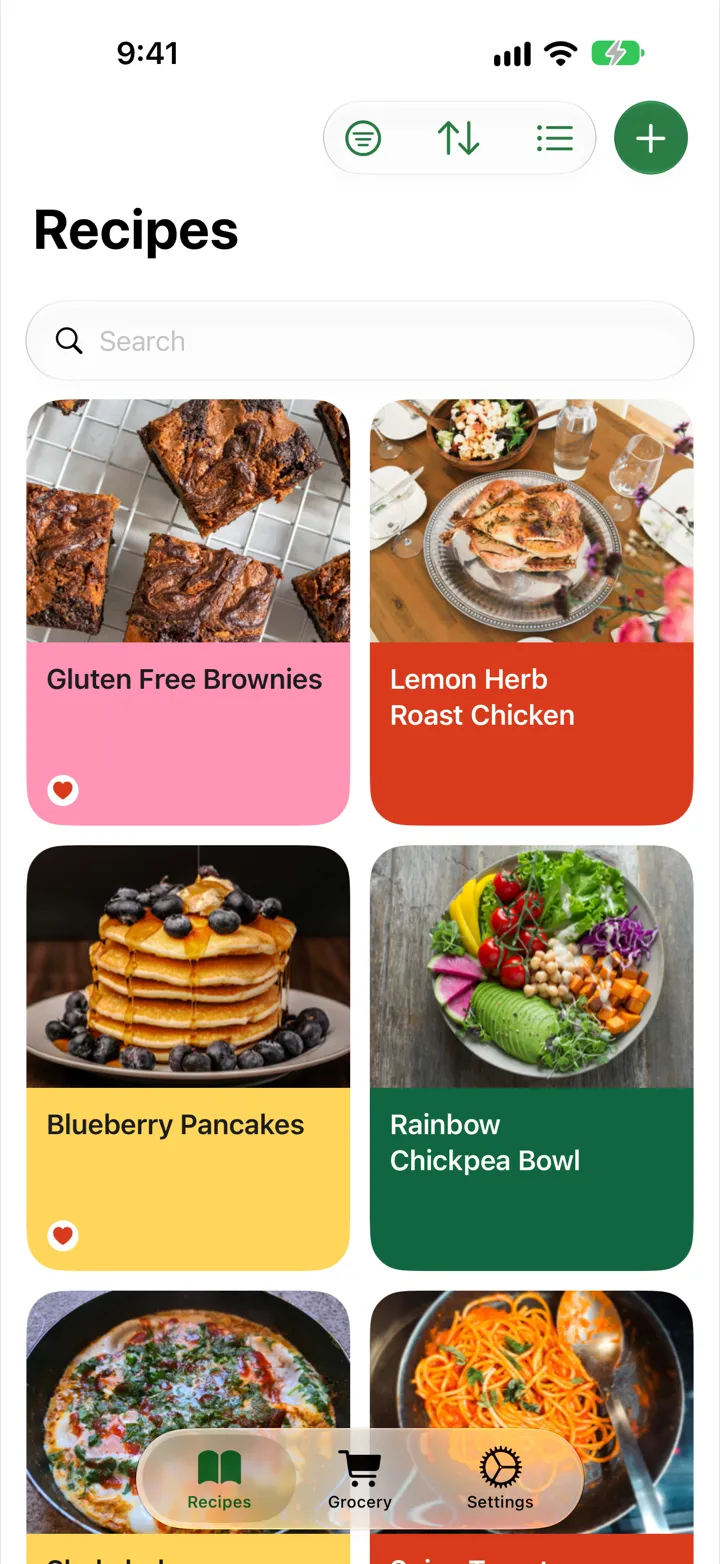
Alternative to Crouton
Recipe Basket is a Crouton alternative for anyone who wants a recipe manager without a recurring bill. Save recipes from links, cookbook photos, and screenshots with AI Smart Import, then keep them synced across iPhone and iPad through iCloud. Less manual entry makes it easier to turn a growing pile of recipe ideas into a collection ready to cook from.
Recipe Basket Lifetime costs $5.99, one time, and includes unlimited AI Smart Imports. There are no subscriptions to maintain as the collection grows. Download it free, try importing a favorite recipe, and choose lifetime access when it earns a place in the kitchen.
Export from Crouton
- Open Crouton on the iPhone or iPad.
- Select the recipes to move.
- Export them as Crouton files. Many recipes export as a .zip of .crumb files. One recipe exports as one .crumb file.
- Save the file to Files or iCloud Drive.
Import into Recipe Basket
- Download Recipe Basket from the App Store.
- Open Recipe Basket. Tap Settings.
- Under Data, tap Import from another app.
- Tap Choose file. Pick the export.
- Wait for the recipes to come in. You can switch to another app while it works.
- Tap Done.
What Comes Over
- Title
- Ingredients, with section names as tags
- Steps
- Notes
- Prep and cook time
- Servings
- Source name and link
- Tags
- Photo
Pay Once
Recipe Basket is free to download. Lifetime costs $5.99, one time. No subscriptions.
Import Again Any Time
Recipes already in Recipe Basket are skipped. Importing the same file twice makes no copies.