Recipe Basket
Switch from Mela
Move every recipe from Mela to Recipe Basket. The photos, ingredients, steps, notes, and favorites come too.
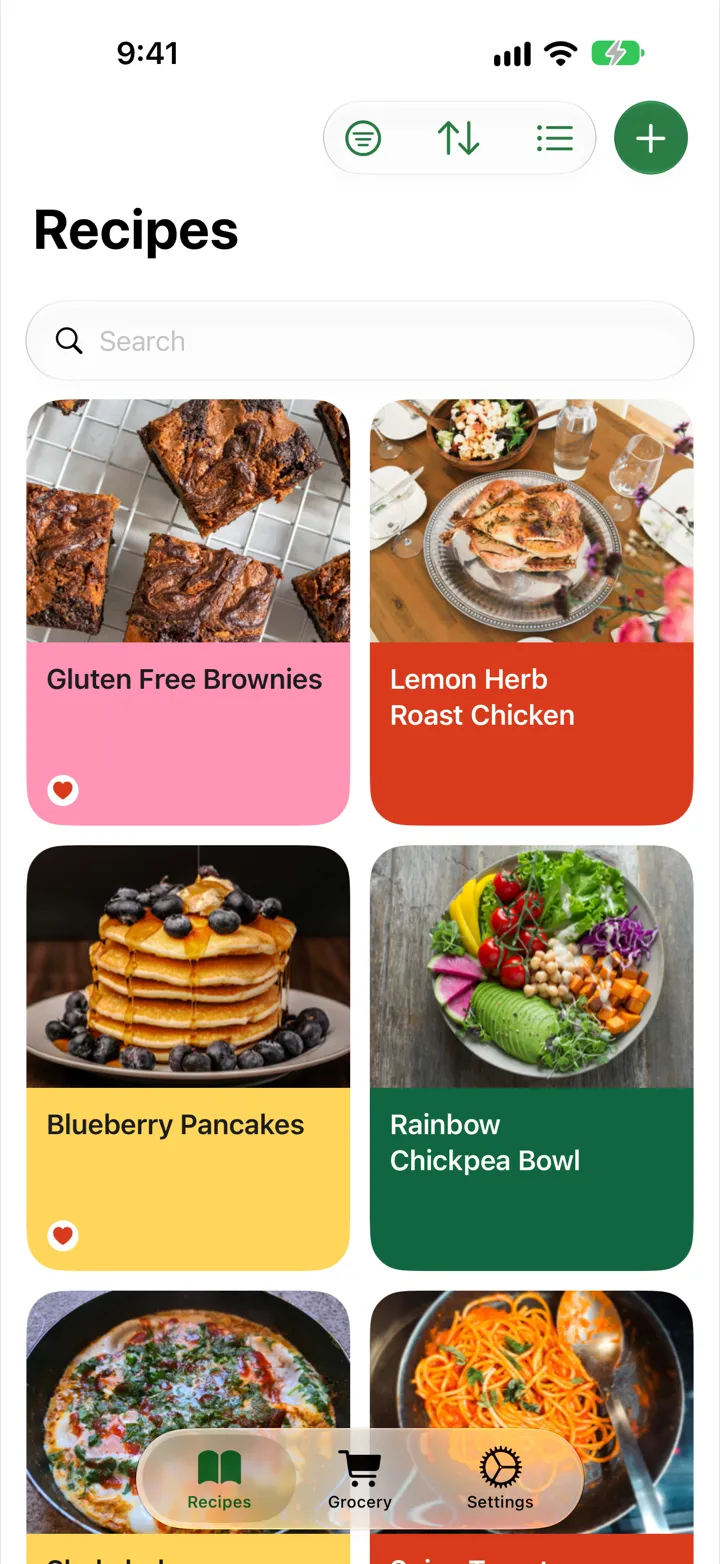
Alternative to Mela
Recipe Basket is a Mela alternative for cooks who find inspiration beyond recipe websites. A favorite cookbook page or a saved screenshot can become a recipe without typing it out by hand. AI Smart Import fills in the ingredients, steps, and cooking times, bringing recipes from different sources into one recipe app for iPhone and iPad.
Download Recipe Basket free and start with a recipe worth making again. Lifetime access costs $5.99, one time, with no subscription. With iCloud sync and no extra account to create, the collection stays available across iPhone and iPad, from the first import to the next meal.
Export from Mela
- Open Mela on the iPhone or iPad.
- Touch and hold All in the categories.
- Choose to export the recipes.
- Save the .melarecipes file to Files or iCloud Drive.
Import into Recipe Basket
- Download Recipe Basket from the App Store.
- Open Recipe Basket. Tap Settings.
- Under Data, tap Import from another app.
- Tap Choose file. Pick the export.
- Wait for the recipes to come in. You can switch to another app while it works.
- Tap Done.
What Comes Over
- Title and description
- Ingredients and steps
- Notes
- Prep, cook, and total time
- Servings
- Source link
- Categories, as tags
- Favorites
- Photo
Import from Screenshots
AI Smart Import turns a link, a photo of a cookbook page, or a screenshot into a recipe.
Import Again Any Time
Recipes already in Recipe Basket are skipped. Importing the same file twice makes no copies.