Recipe Basket
Move from Another App
Move recipes over from Paprika, Mela, Crouton, or Recipe Keeper. The photos, ingredients, steps, and notes come too.
Export from the Old App
- Paprika: export in Paprika Recipe Format. This makes a .paprikarecipes file.
- Mela: export the recipes as a .melarecipes file.
- Crouton: export the recipes as a .zip of .crumb files. One recipe exports as one .crumb file.
- Recipe Keeper: export the recipes as a .zip. Inside are recipes.html and the photos.
- Save the file to Files or iCloud Drive.
Import into Recipe Basket
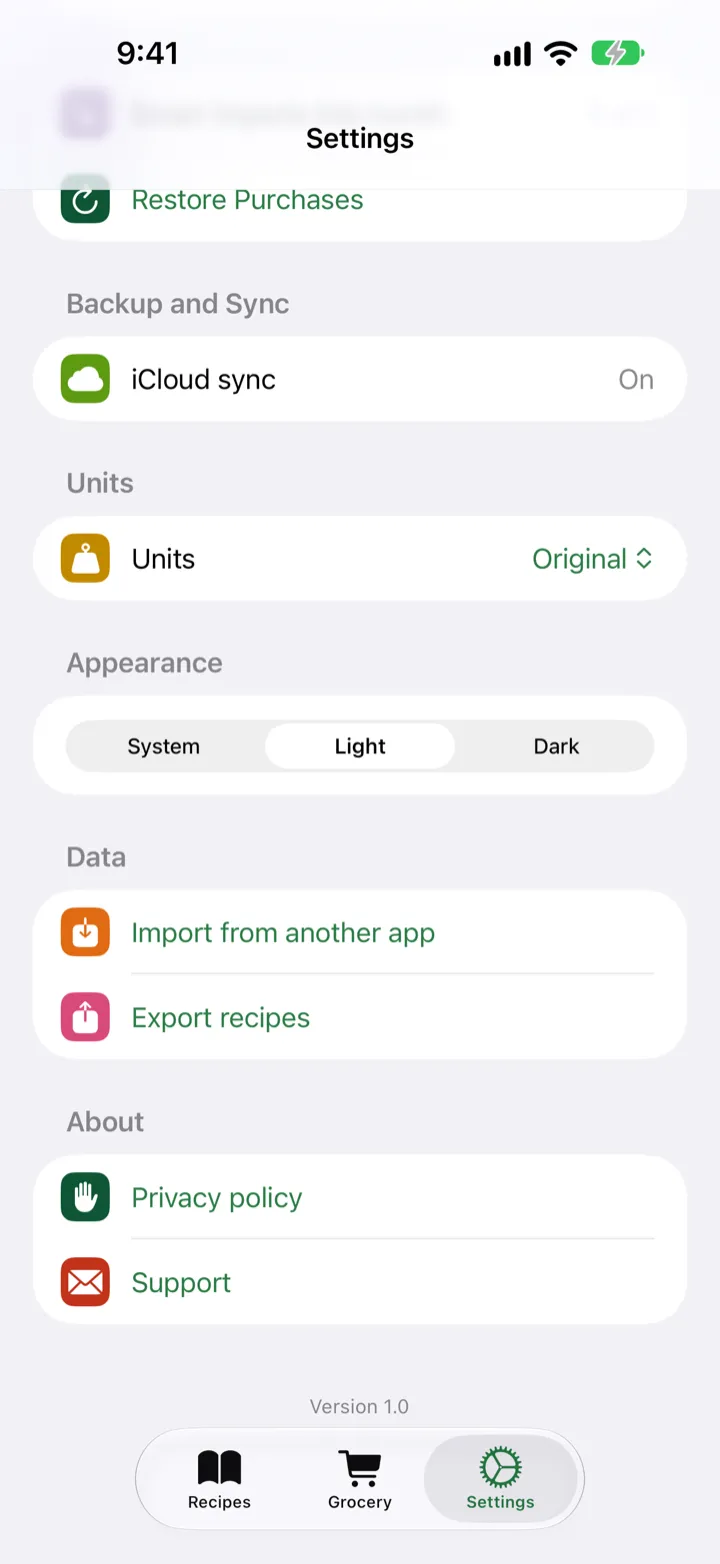
- Open Recipe Basket. Tap Settings.
- Under Data, tap Import from another app.
- Tap Choose file. Pick the export.
- Wait for the recipes to come in. You can switch to another app while it works.
- Tap Done.
Opening the File Directly
You can also open the export file in Files and send it to Recipe Basket.
Free to Move
Moving is free for any number of recipes.
Step-by-Step Guides