Recipe Basket
Your Screen Stays On While You Cook
The screen never dims or locks while Recipe Basket is open. No more tapping the phone with floury hands to read the next step.
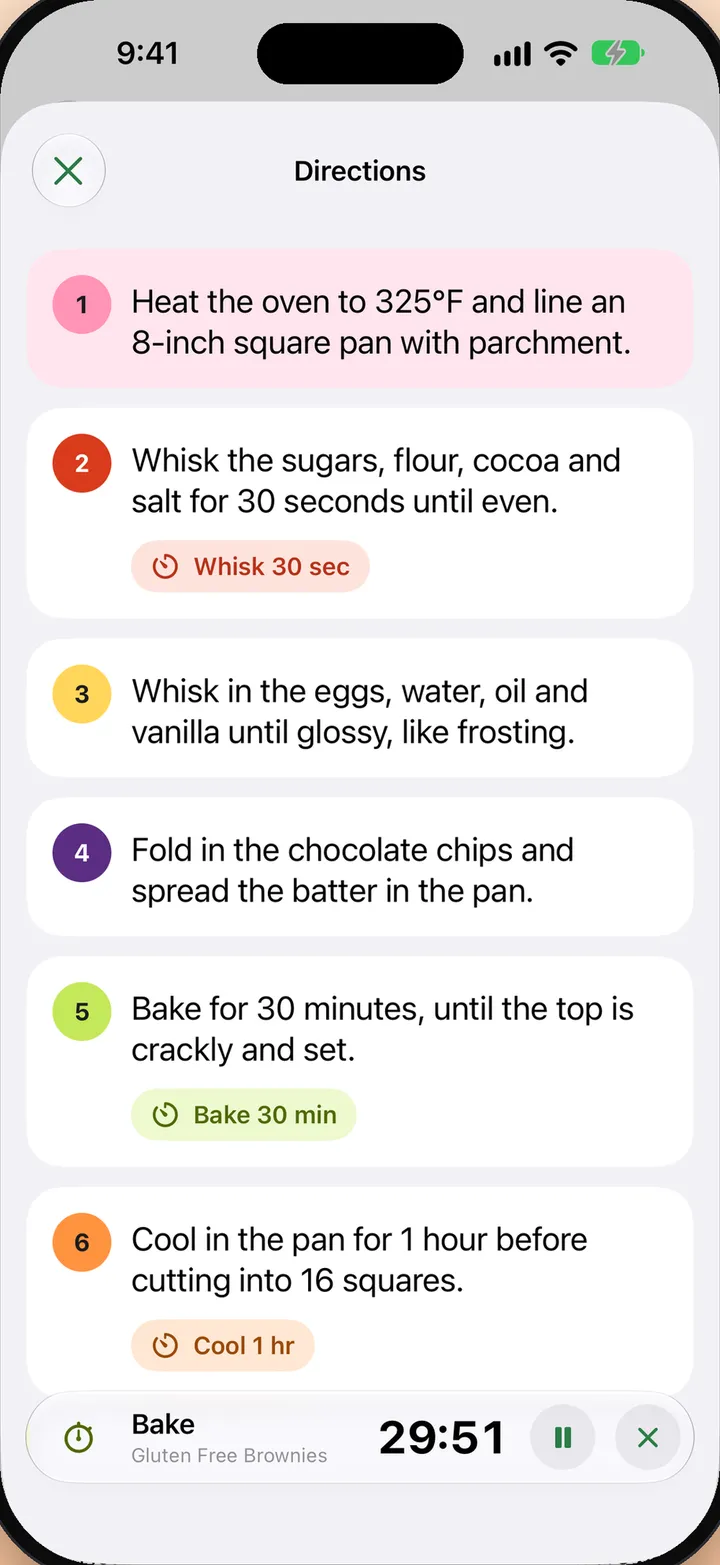
Cook from a Recipe
- Open a recipe.
- Tap Directions in the bar at the bottom.
- Tap a step to make it the current step.
- Set the phone down and cook. The screen stays on.
Let the Screen Lock
- Open Settings in Recipe Basket.
- Under Screen, turn off Keep screen on.
- Directions still keeps the screen on while it is open.
Battery
The screen goes back to its normal timeout as soon as you leave Recipe Basket.