 Recipe Basket
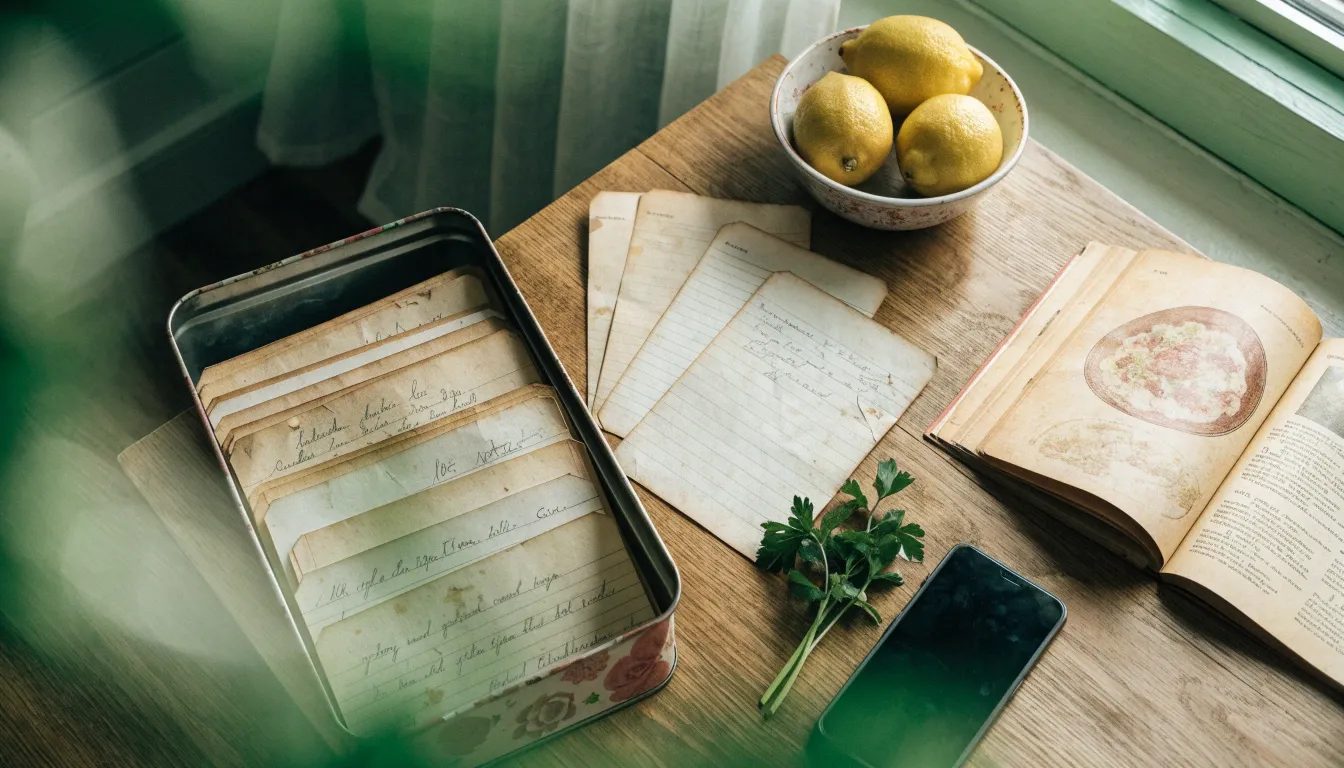
You don't need a scanner to digitize family recipe cards. Start with your phone and a few recipes you cook often. You can work through the rest of the box later.
Why Preserve Family Recipes Now
Recipe cards spend years near spills and hot pans. Pencil gets harder to read, and a torn corner can take part of an ingredient list with it. A photo gives you a backup before any more of the recipe disappears.
It also saves you from hunting for the same card every holiday. When someone asks for Grandma's stuffing or Aunt Rose's pie, you can send them a copy.
Get Ready First
Before you start taking photos, gather the recipes you want to save.
Check recipe boxes, kitchen drawers, cookbook margins and loose papers tucked into books.
Sort the pile into dinners, baking and holidays.
Ask relatives for the ones you're missing. Someone usually has a copy of the recipe you remember.
Note who wrote each one. Put a sticky note with the name on the card.
Take Good Photos of Recipe Cards
Work in daylight near a window. Stay out of direct sun. It causes glare.
Turn the flash off. It washes out pencil and bounces off glossy cards.
Lay the card flat on a plain table. Hold curled corners down with a ruler.
Hold the phone straight above the card, not at an angle.
Fill the frame with the card, but keep all four edges in view.
Take one card per shot.
Shoot the back too. Lots of cards finish on the other side or have a note there.
Zoom in on each photo before you put the card away. Check the small amounts and any faint pencil notes. Retake anything blurry while the card is still in front of you.
Keep the Handwriting
Keep the photo after the recipe is typed up. You may want to see the handwriting again, even when the typed version is easier to cook from. It also gives you somewhere to check an amount you aren't sure you copied correctly.
Fix What's Hard to Read
Some older cards use terms you won't see in a new cookbook:
"A scant cup" is a little less than a full cup.
"Oleo" is margarine. Butter usually works too.
"A moderate oven" is about 350°F.
"A slow oven" is about 300°F. "A hot oven" is 400°F or more.
If you can't make out a word or amount, mark it as uncertain. Ask someone who's cooked the recipe before you settle on a guess. Add a note about where it came from, like "From Grandma Ruth, around 1965."
Import the Photos Into Recipe Basket
Recipe Basket can turn those photos into a typed recipe. Open Add Recipe and find the AI Smart Import card. Use "Take photo" to photograph a card or cookbook page. For photos you've already taken, use "Choose screenshots." You can select up to 8 photos for one recipe, including the back of a card or the next page in a cookbook.
The Recipe Photos screen lets you check the order and move, view or remove photos before importing.
The import pulls out the title, ingredients, steps, times and tags. Check them on the Review screen before saving. Lines the AI isn't sure of, like a faded amount, are marked "Check this" in pale yellow. Compare those with the photo and make any corrections.
The photo stays with the recipe under Source whenever you need to check the original.
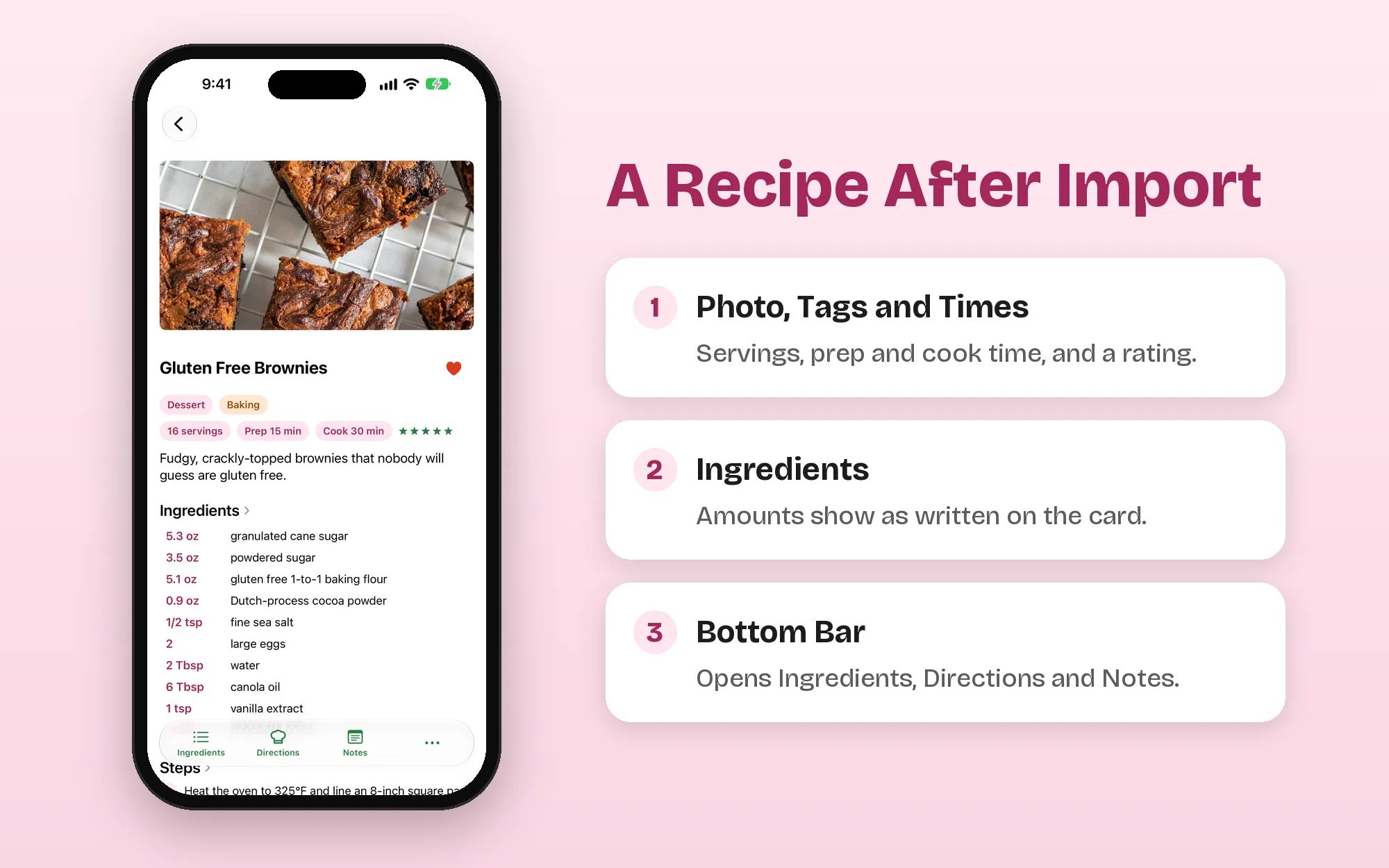
A recipe page after import.
When you're ready to cook, you can scale servings and switch between US and metric units. Directions show the steps one by one and keep the screen awake while you cook.
Add a note like "Grandma Ruth's version" to remember where the recipe came from. A "Family Recipes" tag helps you find the collection later. Recipes back up to iCloud and sync between iPhone and iPad. You don't need an account.
AI Smart Import needs a device with Apple Intelligence. You can also choose "Enter manually" to type a recipe on any device.
Store the Paper Cards Safely
The cards still matter after you've photographed them. Keep them somewhere cool, dry and dark. Slip each one into a clear sleeve, or put them all in an acid-free box. Don't tape a torn card. Tape turns yellow and pulls the paper when it's removed. Keep the box away from the stove and the sink.
Make The Dish
Try cooking from a recipe you've saved. You'll notice if a step is missing or an amount needs checking. Add any notes while you still remember what you changed, then send a copy to whoever asked for the recipe last.
Recipe Basket is free to download with one AI Smart Import each month. Lifetime is a one-time $5.99 purchase for unlimited imports. There are no ads and no subscription.